How it works
EasyImage is an image studio from Easytech. Make an image from words, remove a background, make a picture bigger, or change part of one.
Create a free account to start. The free plan allows 5 images a day.
Make images from words
Each picture here was made from the words under it. Nothing was retouched afterwards.

studio product photo of three handmade matte ceramic cups on a linen cloth, soft window light, neutral tones
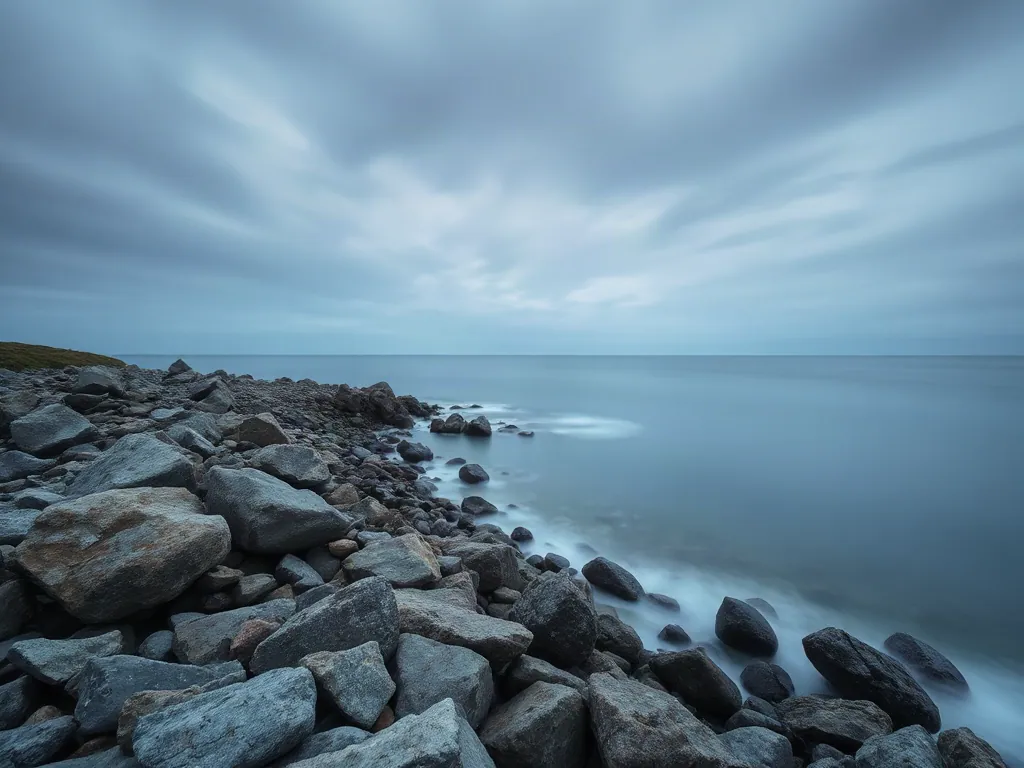
wide landscape photo of a quiet rocky coastline at dusk, long exposure sea, overcast sky, muted blue and grey
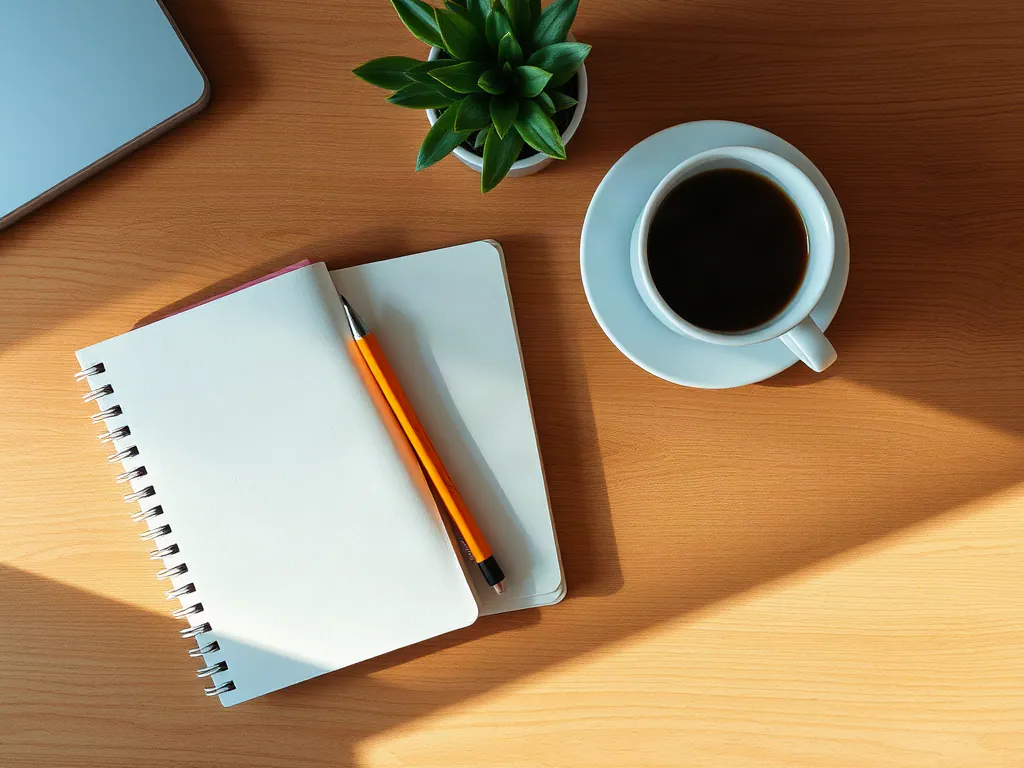
top-down photo of a tidy wooden desk with a notebook, a pencil, a small plant and a cup of coffee, morning light
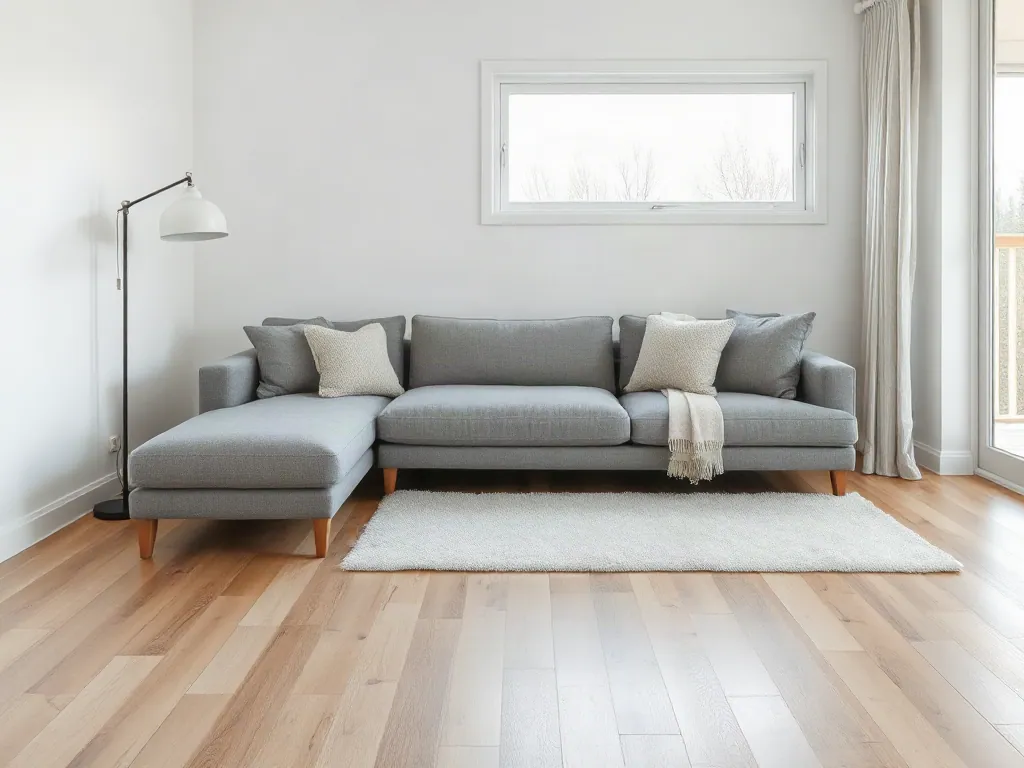
interior photo of a calm living room with a grey sofa, oak floor, large window and a floor lamp, Scandinavian style
The free plan makes standard images.
Change a picture you have
Each tool below starts from a picture and changes it. The pictures here were made with the same image engines EasyImage uses.
Describe a change
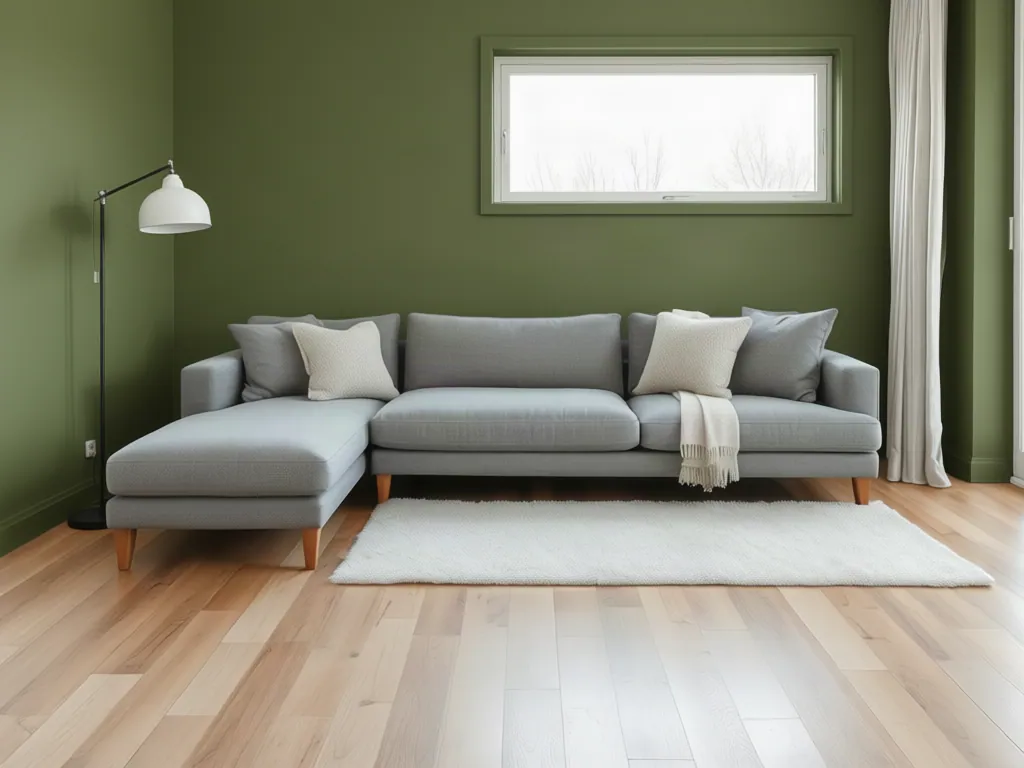
Write what should change, in plain words.
The words used: Paint the walls a deep olive green. Keep everything else the same.
This tool is in these plans: 7-day pass, Monthly.
Remove a background
One step, with no words to write. This cut-out was made in the cloud, not on a device.
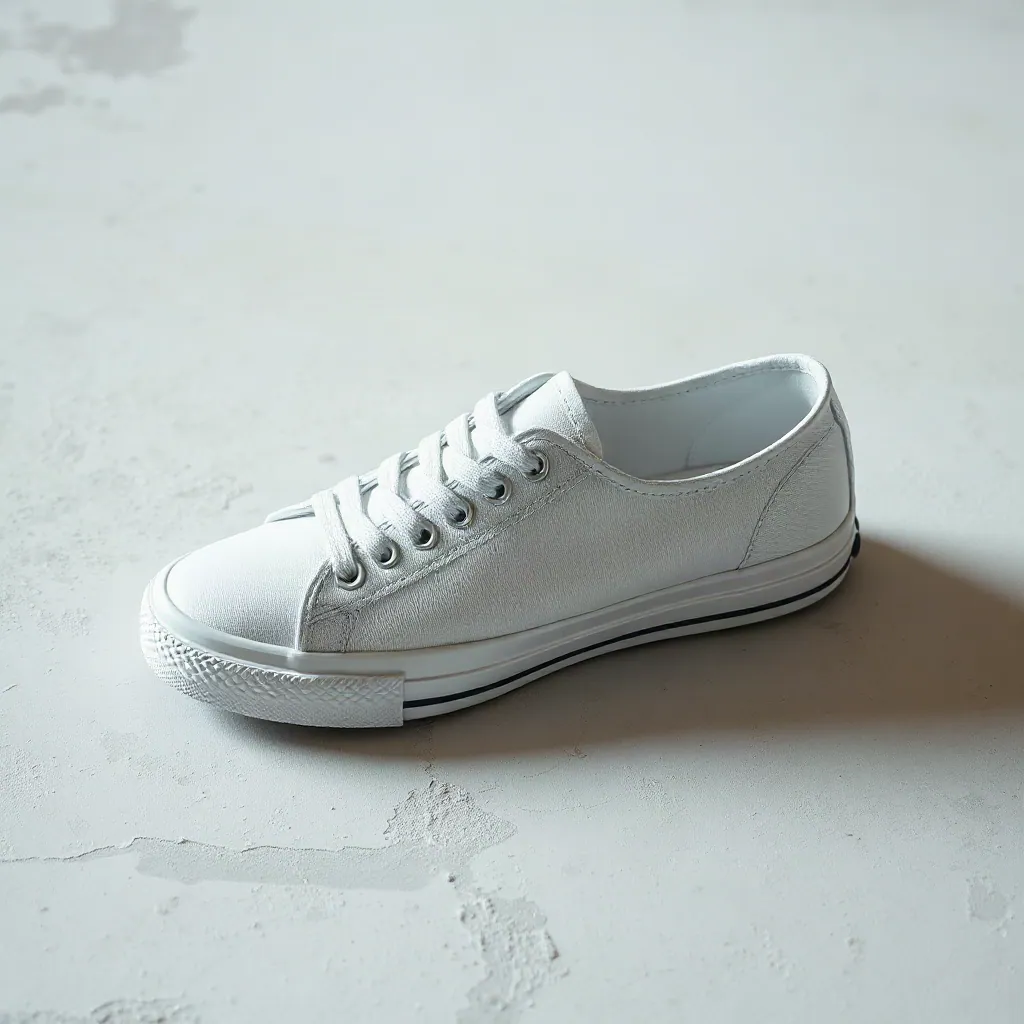
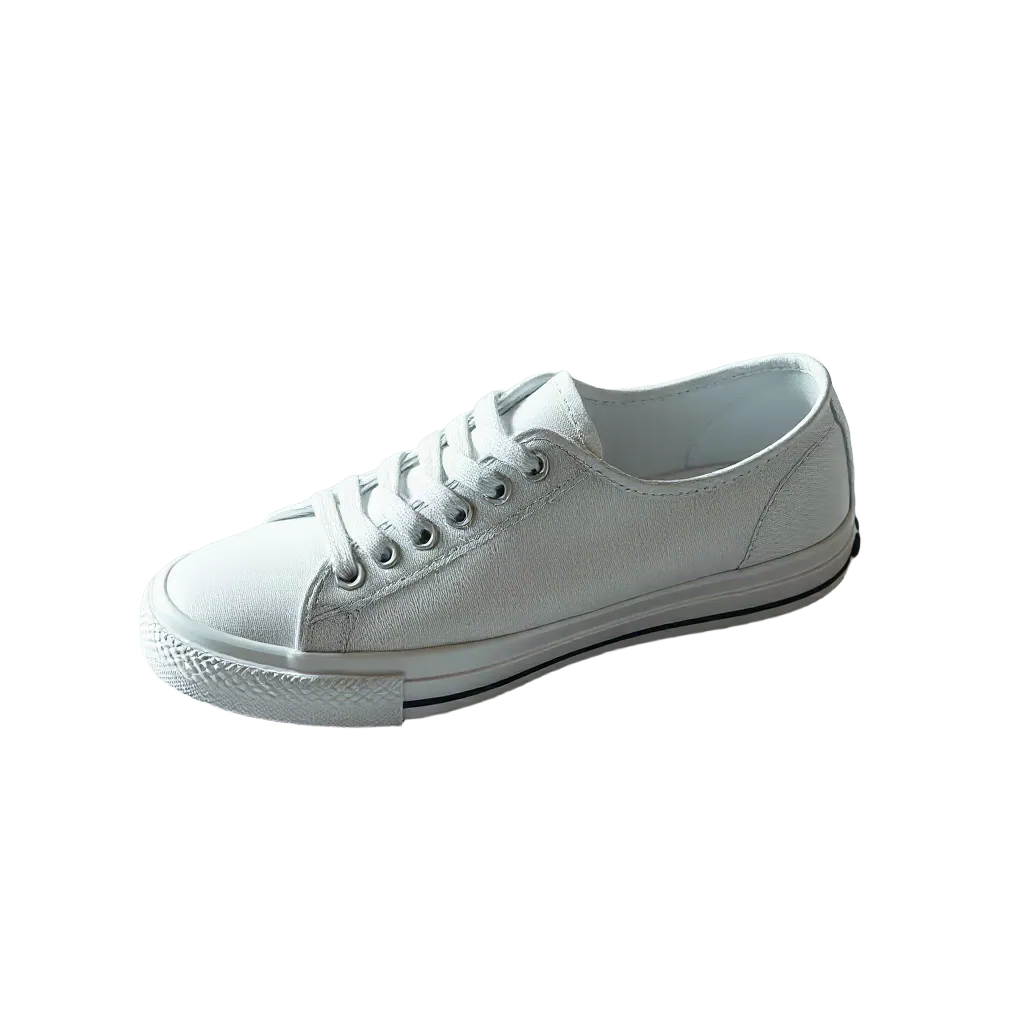
This tool is in these plans: 7-day pass, Monthly.
Restyle a picture
Repaint a picture in another style, described in your own words.
The words used: Render as a watercolor painting.
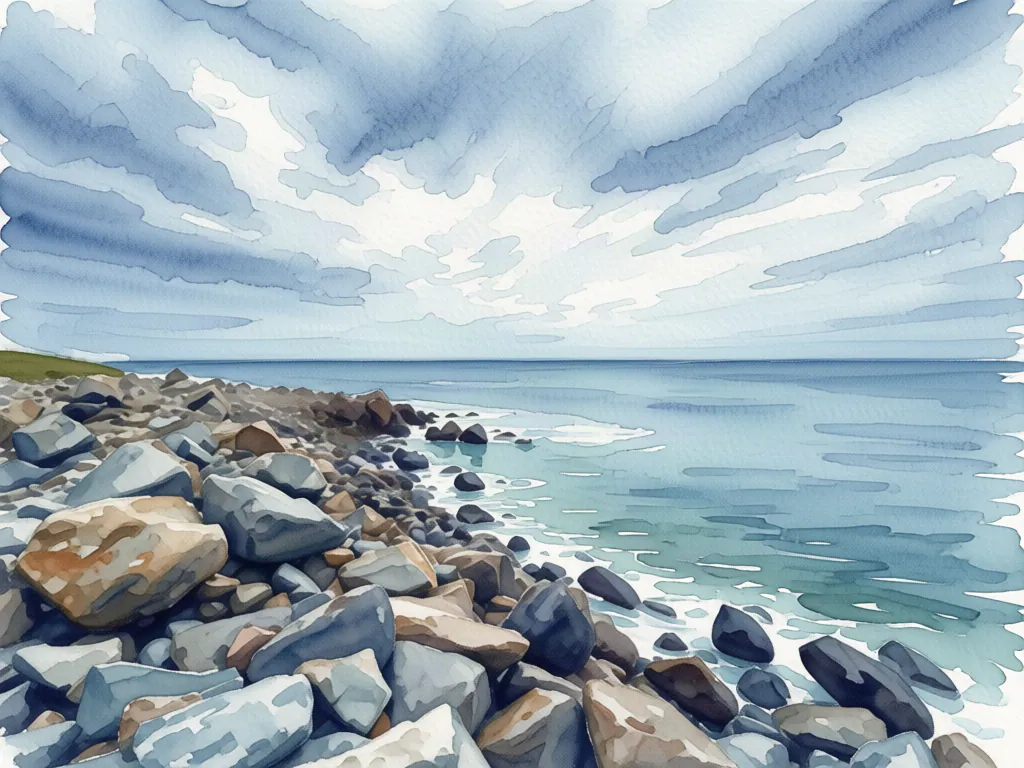
This tool is in these plans: 7-day pass, Monthly.
Upscale a picture
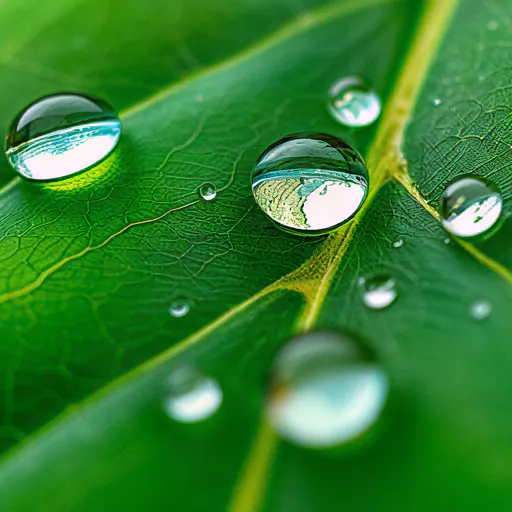
Make a picture twice or four times its size. This one went from 512 to 1024 pixels wide.
Both crops show the same part of the leaf. The browser scales both to the same display size.
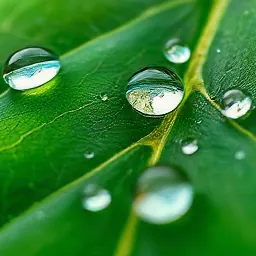
This tool is in these plans: 7-day pass, Monthly.
What the studio does
Plans
Each plan states what it includes. The numbers are read from the plan.
Free
A few standard images each day, at no charge.
No charge
- Up to 5 images a day
Tools
- Make images from words
API and AI agent access are not part of this plan
- 5 standard images a day
- Standard quality
7-day pass
Seven days of access, paid once.
$4.99, paid once
- 250 images over 7 days
Tools
- Make images from words
- Remove or change a background
- Upscale a picture
- Edit part of a picture
- Work on many pictures at once
API and AI agent access are included
- 250 images over 7 days
- Make images and edit them with a prompt
- Inpaint, outpaint, erase, restyle, sketch and reference images
- Remove backgrounds, upscale and restore detail
- Ends by itself and does not renew
Monthly
A monthly plan with a stated number of images.
$14.99 a month
- Up to 100 images a day
- 1000 images a month
Tools
- Make images from words
- Remove or change a background
- Upscale a picture
- Edit part of a picture
- Work on many pictures at once
API and AI agent access are included
- 1,000 standard images a month
- Up to 100 images a day
- Make images and edit them with a prompt
- Inpaint, outpaint, erase, restyle, sketch and reference images
- Remove backgrounds, upscale and restore detail
Start with a free account
Create an account to use the free plan. You can buy a paid plan from your account.